Part 1 of 8 in ADAS (driver assistance systems)
Adaptive cruise control (ACC)
Adaptive cruise control (ACC) keeps both speed and distance to the car ahead, but often misses stationary traffic. How it works and what the CBR asks.


Written by Chris Prosman Reviewed by Dirk van Zuijlen
Updated Reviewed on 4 min read
30 questions · start for free
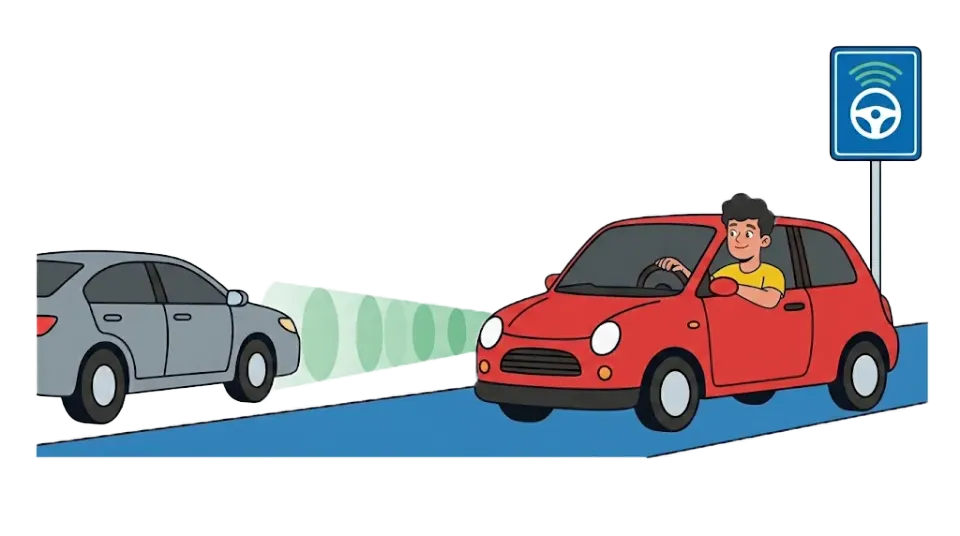
Adaptive cruise control (ACC) holds a set speed and adjusts it to the car in front of you. You keep looking ahead, choose a safe gap and brake yourself when needed. What the system can do exactly differs from car to car.
What is adaptive cruise control and how does it work?
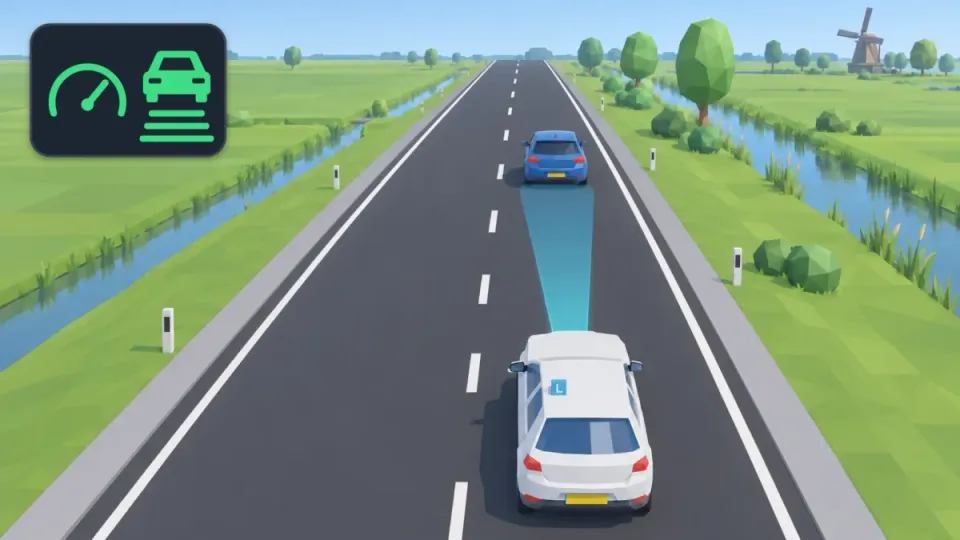
Adaptive cruise control, or ACC, is cruise control that also keeps a distance. You choose a speed and a following distance. If a slower car is in front of you, ACC eases off the accelerator and brakes when needed. When the road is clear again, the car speeds up to your set speed.
A radar in the front measures the gap and the difference in speed. Often a camera behind the windscreen helps. How hard ACC can brake and whether it works down to a stop differs per car. Check your owner’s manual.
When ACC uses the brakes, your brake lights normally come on too. When it only eases off the accelerator, they usually do not.
When ACC is on, you see a symbol on the dashboard. Often it is a speedometer with a car in front of it, sometimes with bars for the distance. Every brand has its own symbol. Check the manual to see what it looks like in your car.
Difference between cruise control and adaptive cruise control
| Cruise control | Adaptive cruise control | |
|---|---|---|
| Holds a speed | Yes | Yes |
| Keeps a gap to the car in front | No | Yes, if it recognises that car |
| Brakes for the car in front | No | Yes, up to a limit |
| In a traffic jam | Not suitable | Only if your version can do it |
With normal cruise control you watch the gap yourself. With ACC you do too, the car just helps. For saving fuel with cruise control, see fuel consumption.
How to set the following distance on adaptive cruise control
In dry weather keep a gap of at least two seconds. In rain, fog or slippery conditions, keep more. The bars in the menu are not fixed metres or seconds. Your owner’s manual explains what they mean. So check with a fixed point beside the road that you have enough space. How to count it is explained under following distance.
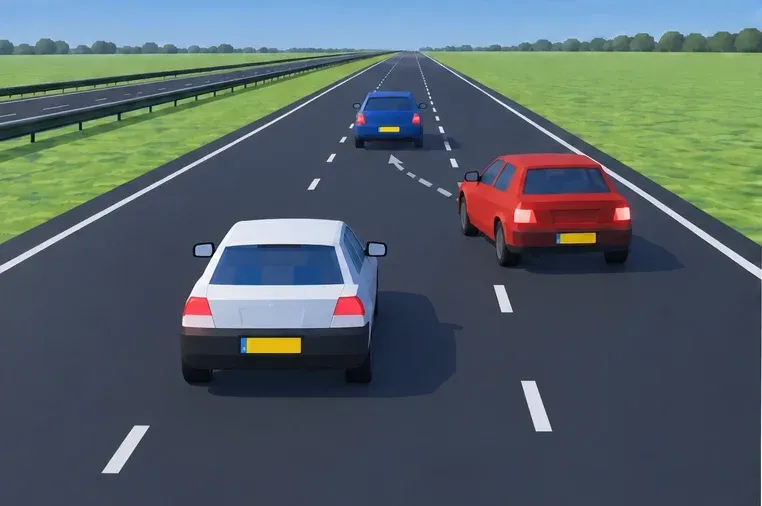
Does someone merge just in front of you? ACC needs a moment to follow that car. The gap may become too small. Ease off and brake yourself when needed. Do not choose a short gap to keep merging cars out.
When should you not use adaptive cruise control?
ACC is a help, not an autopilot. Take extra care, or switch ACC off, in these situations:
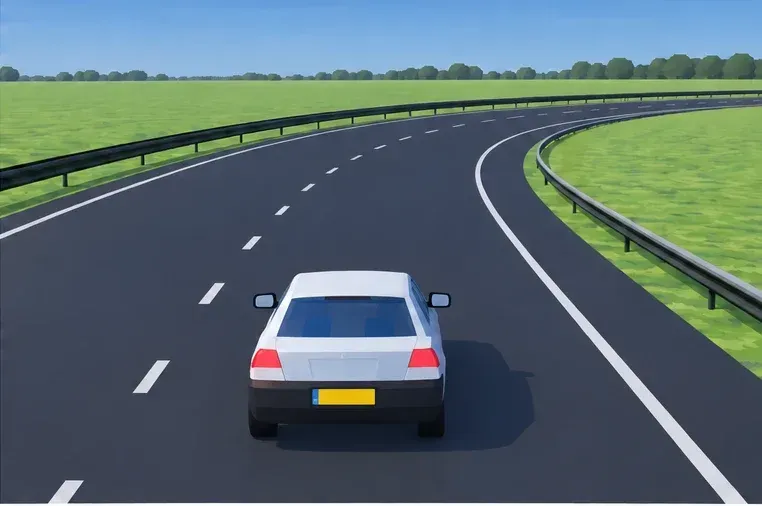
- Bends and exits: without a car ahead, normal ACC keeps the set speed. Choose a safe speed yourself.
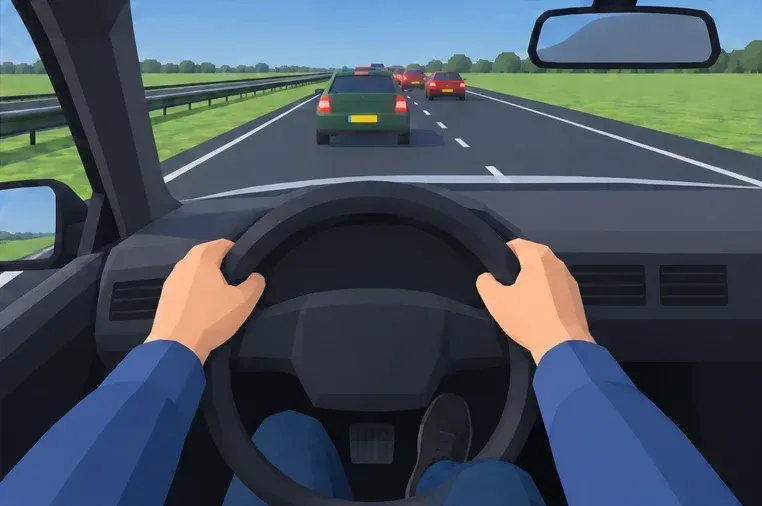
- A stationary traffic jam: not every system recognises stopped cars in time. Brake yourself.
- Bad weather: rain, snow, ice or dirt on the sensor can limit how it works.
- Roadworks and busy city traffic: the situation changes quickly there.
Does your ACC adjust the speed using signs or map data? That information can be wrong too. Read the signs yourself. Do you get an error message? Drive yourself and do not rely on ACC.
How to turn off adaptive cruise control
You usually switch ACC off by braking, or with the button on the steering wheel or stalk. Where that button is differs per car. Practise this before you drive, not on the road.
If you press the accelerator, you often go faster than ACC for a while. When you release it, ACC takes over again. After stepping in, check which speed is still set.
Is adaptive cruise control mandatory?
No. Adaptive cruise control is not a mandatory system. Many new cars do have it. Other systems are mandatory in new cars, such as automatic emergency braking and intelligent speed assistance (ISA). You may use ACC during the practical driving test. The examiner does check that you drive safely yourself. See the CBR Rijprocedure B (Dutch).
Practise like the exam
Example questions like in the CBR exam
Real questions from the Theorio app. You can expect similar questions in your CBR exam.
Question 1 of 3
With ACC active you see a stationary queue. What do you do?
Tap the answer you think is right.
A car merges ahead. Which action fits safe ACC use?
Tap the answer you think is right.
You approach this bend without a vehicle ahead and ordinary ACC active. What is sensible?
Tap the answer you think is right.
Answers and explanations for the example questions
Question 1: With ACC active you see a stationary queue. What do you do?
Correct answer: Slow down early and brake yourself if needed
Stationary-traffic recognition varies by system and situation. Your observation and safe stopping distance remain decisive.
Question 2: A car merges ahead. Which action fits safe ACC use?
Correct answer: Restore space yourself and select a safe gap
ACC may take time to pick up the new vehicle. Following closely to block merging is unsafe.
Question 3: You approach this bend without a vehicle ahead and ordinary ACC active. What is sensible?
Correct answer: Choose a suitable cornering speed yourself
Ordinary ACC regulates speed and gap but does not guarantee a safe speed for the road. Advanced versions also require your judgement.
See if you can handle the new question style
Three quizzes of ten questions on driver assistance systems, in the style the CBR uses as of 1 October. Instant explanation with every answer.
30 questions · start for free
Your first quiz is free, no account needed. After that from €34.99 for 90 days of access.