Part 7 of 8 in ADAS (driver assistance systems)
Park assist and parking aids
Park assist and parking sensors steer or park for you, but you stay responsible. Why sensors miss low obstacles and what the CBR asks about it.


Written by Chris Prosman Reviewed by Dirk van Zuijlen
Updated Reviewed on 3 min read
30 questions · start for free
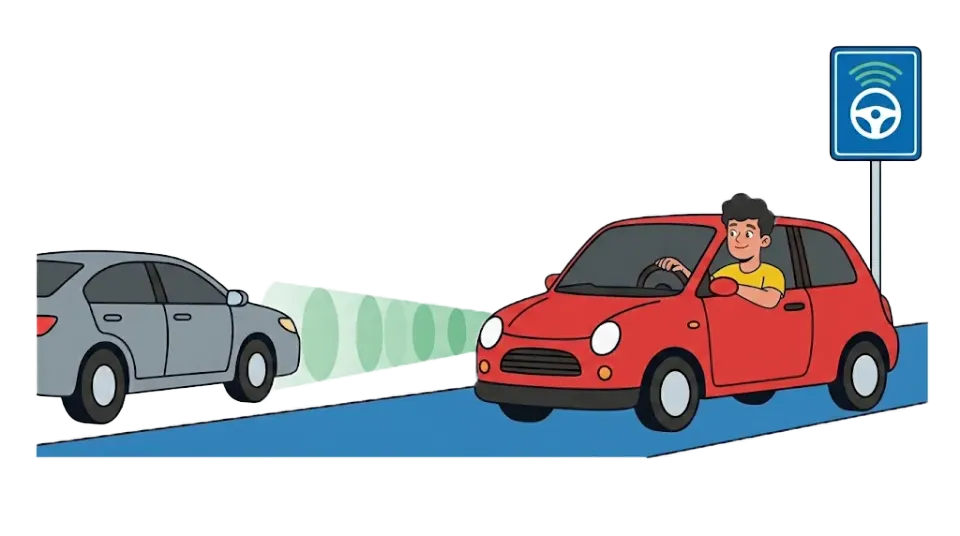
Parking sensors beep when you get close to something. A park assist system can also steer or park the car itself. You keep looking around and stop as soon as needed. Automatic parking is not allowed during the special manoeuvres of the practical test.
How do parking sensors work?
Parking sensors sit in the bumper: at the back, and often at the front too. They send out sound waves you cannot hear. When the sound bounces back from something, the car knows how far away it is.
The closer you get, the faster the beeping. Do you only have rear parking sensors? Then take extra care at the front.
Parking sensors keep beeping: what does it mean?
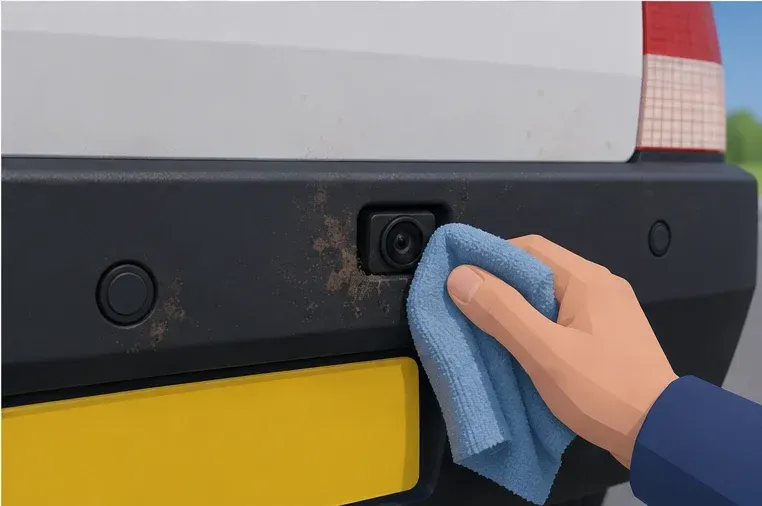
A long tone without a break usually means: stop, you are very close to something. But a sensor can also keep beeping because of dirt, snow, ice or rain. Or because of a towbar, a bike rack or a trailer.
What do you do? Stop and look yourself. Clean the sensor in a safe place. Does it still beep for no reason? Have it checked. At how many centimetres the tone becomes continuous differs per car.
What is park assist?
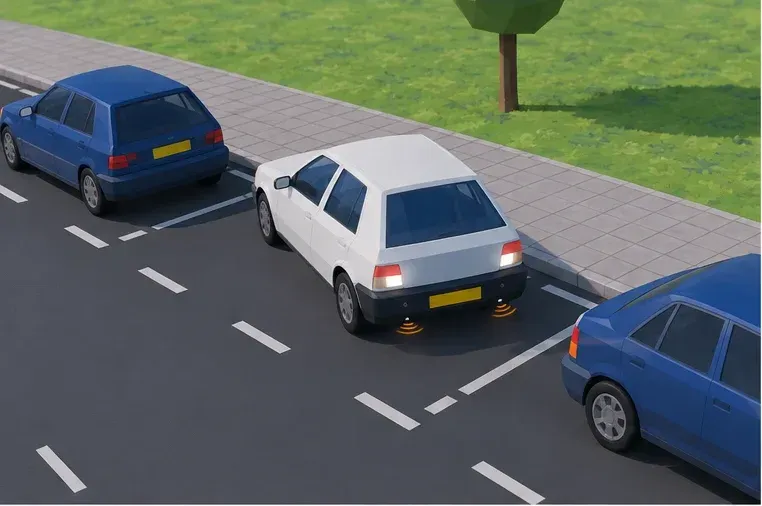
Park assist helps you into or out of a parking space. There are different types:
- Parking sensors and camera: only give information. You do everything yourself.
- Park assist that steers: the car turns the wheel. You accelerate, brake and change gear.
- Automatic parking: the car steers, brakes and accelerates. You watch and step in.
A name like Park Assist does not tell you what your car does exactly. Check your owner’s manual. Also know how to stop the manoeuvre before you use the system.
Parking sensors with a camera: what do you not see?
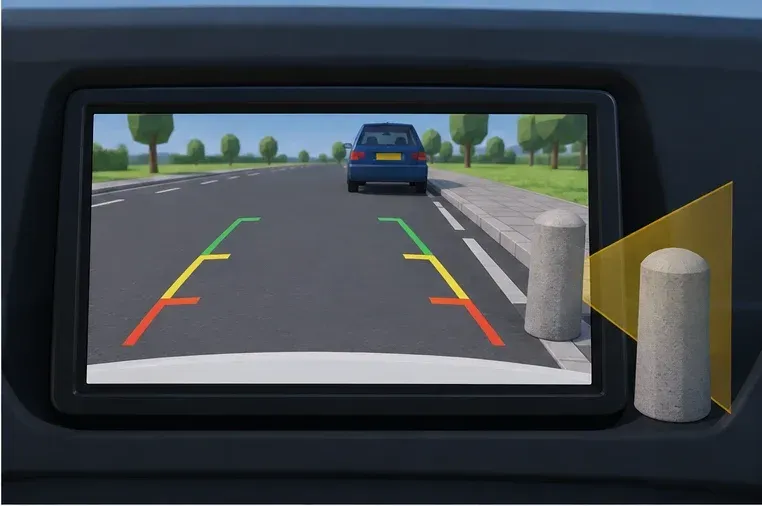
A reversing camera only shows part of the surroundings. Low posts, thin bars and things right next to the bumper are sometimes not seen or heard. A 360-degree view is not complete either.
So look all around the car before you start. Keep checking your mirrors and over your shoulder while parking. Also watch the front of your car, which swings out to the side.
Reversing: other traffic goes first
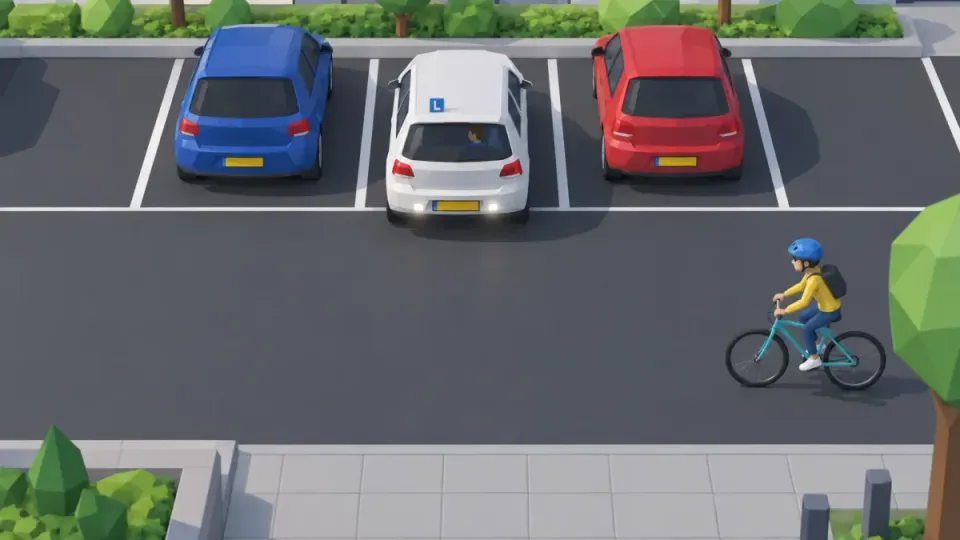
Reversing is a special manoeuvre. You let all other traffic go first. Is a cyclist or a child coming? Stop at once. Some cars warn about traffic from the side (Rear Cross Traffic Alert). That does not see everything either. More under special manoeuvres.
Can you turn off parking sensors?
In many cars, yes, with a button or in the menu. That is handy when a bike rack or trailer keeps setting off the sensors. Some cars do this themselves when you hitch a trailer. Switch them back on afterwards. When they are off, look extra carefully.
May you use park assist in the CBR driving test?
You may use parking sensors and a camera as an extra help in the practical test. Automatic parking is not allowed during the special manoeuvres. There the examiner wants to see that you can control the car yourself in a small space. Source: Toepassing bij Rijprocedure B (Dutch).
Practise like the exam
Example questions like in the CBR exam
Real questions from the Theorio app. You can expect similar questions in your CBR exam.
Question 1 of 3
The display seems clear but you are unsure about a low obstacle. What do you do?
Tap the answer you think is right.
This cyclist approaches from the side while you reverse. What do you do?
Tap the answer you think is right.
You complete a parking task in the special manoeuvres. Which aid must not carry it out?
Tap the answer you think is right.
Answers and explanations for the example questions
Question 1: The display seems clear but you are unsure about a low obstacle. What do you do?
Correct answer: Stop and safely check the space yourself
Cameras and sensors have limited coverage. When uncertain, prevent movement until you have checked the space.
Question 2: This cyclist approaches from the side while you reverse. What do you do?
Correct answer: Stop and let the cyclist pass
Reversing is a special manoeuvre. Let other traffic go first and do not wait for technology.
Question 3: You complete a parking task in the special manoeuvres. Which aid must not carry it out?
Correct answer: The automatic parking system
For this task CBR assesses your own operation and vehicle control. Ordinary information aids remain supplementary.
See if you can handle the new question style
Three quizzes of ten questions on driver assistance systems, in the style the CBR uses as of 1 October. Instant explanation with every answer.
30 questions · start for free
Your first quiz is free, no account needed. After that from €34.99 for 90 days of access.